
Genuine-spec keyboard replacement for MacBook Air 13″ (Model A2179, 2020, Intel) — choose US QWERTY or UK QWERTY (with £ symbol). Features Apple’s reliable scissor-switch mechanism, backlighting, and OEM-fit design for seamless performance and aesthetics. Compatible With: MacBook Air 13-inch (2020, Model A2179, EMC 3597) with Intel Core i3/i5/i7 processors (non-M1). Layout Options (select at purchase): US Layout: Standard QWERTY with wide Enter key, @ above 2, # above 3, and full inverted-T arrow keys. UK Layout: QWERTY with £ symbol, tall vertical Enter key, @ accessed via right Alt, and UK-specific punctuation—matches Apple’s official UK regional configuration. US Layout: Standard QWERTY with wide Enter key, @ above 2, # above 3, and full inverted-T arrow keys. UK Layout: QWERTY with £ symbol, tall vertical Enter key, @ accessed via right Alt, and UK-specific punctuation—matches Apple’s official UK regional configuration. Keyboard Type: Traditional scissor-switch mechanism (not Butterfly, not Magic Keyboard)—robust, tactile, and serviceable, with good key travel and proven durability. Integrated Features: Full backlit keys for low-light use Ambient light sensor compatibility OEM-style ribbon cable pre-attached for direct logic board connection Full backlit keys for low-light use Ambient light sensor compatibility OEM-style ribbon cable pre-attached for direct logic board connection Precision Build: Molded to exact Apple specifications—ensures flush mounting, consistent key alignment, and seamless integration into the original top case. Installation Note: Keyboard is screw-mounted with light adhesive—more accessible than glued Butterfly/Magic keyboards. Requires top case access and battery disconnect. Suitable for intermediate DIYers or professional technicians. Important: This is keyboard only—does not include the top case, battery, trackpad, or logic board. Not compatible with M1 MacBook Air (A2337/A2338) or M2 models (A2681/A2941). This is keyboard only—does not include the top case, battery, trackpad, or logic board. Not compatible with M1 MacBook Air (A2337/A2338) or M2 models (A2681/A2941). Model Verification: Confirm your device is MacBook Air A2179 (13″, Intel, 2020) via > About This Mac > Model Identifier (e.g., MacBookAir9,1).

Used, original 35 W USB-C charger for Mac — reliable Apple power adapter (dual USB-C) for charging your Mac and other devices. This is an authentic Apple 35 W USB-C power adapter (dual-port) — used but tested. It’s built to charge MacBooks, iPhones, iPads, and other USB-C devices. Though lower wattage than larger Mac adapters, it works well for light use or supplemental charging. Features & Behavior Dual USB-C ports: can charge two devices simultaneously Intelligent power distribution: if both ports are used, the output splits evenly (~17.5 W each) USB Power Delivery support across standard profiles (5V, 9V, 15V, 20V) Accepts input 100-240V AC, so usable worldwide (with correct plug) Compact form factor in one variant, or standard “duckhead” plug style in another Specifications Strengths & Limitations Pros Authentic Apple unit — safer and more reliable than generic chargers Dual ports give flexibility — charge phone + Mac concurrently Portable and suitable for travel (universal voltage) Cons 35 W is low for MacBook Pro under load — might not maintain charging during heavy use When both ports used, power is halved (~17.5 W each) Used condition may include wear, scuffs, or reduced efficiency

Compatible With: MacBook Pro 15.4-inch (Mid 2012, Model A1398, Model Identifier MacBookPro10,1) — the first Retina MacBook Pro. Includes: Complete left and right speaker units with pre-attached connector cables and mounting brackets, ready for direct installation. Audio Performance: Engineered to match Apple’s original acoustic design—delivers clear mid-range, balanced stereo separation, and consistent volume levels across system audio, video calls, and media playback. OEM Build Quality: Precision-molded housing, original grille pattern, and correct wiring length ensure seamless integration into the MacBook’s chassis without rattling or interference. Common Use Cases: Replaces speakers damaged by liquid spills, physical impact, or aging (e.g., crackling, no sound, or distorted audio). Installation Note: Requires full bottom case and logic board access. Speakers are secured with screws and adhesive tape. Recommended for experienced technicians due to tight internal layout and delicate connectors.

The 60W MagSafe 2 Power Adapter features a magnetic DC connector so if someone should trip over it, the cord disconnects harmlessly and your MacBook Pro stays put safely. It also helps prevent fraying or weakening of the cables over time. In addition, the magnetic DC helps guide the plug into the system for a quick and secure connection. The 60W MagSafe 2 Power Adapter features a magnetic DC connector so if someone should trip over it, the cord disconnects harmlessly and your MacBook Pro stays put safely. It also helps prevent fraying or weakening of the cables over time. In addition, the magnetic DC helps guide the plug into the system for a quick and secure connection. When the connection is secure, an LED located at the head of the DC connector lights up; an amber light lets you know that your notebook is charging, while a green light tells you that you have a full charge. An AC cord is provided with the adapter for maximum cord length, while the AC wall adapter (also provided) gives you an even easier and more compact way to travel. Designed to be the perfect traveling companion, the adapter has a clever design which allows the DC cable to be wound neatly around itself for easy cable storage. Compatible with MacBook Pro with 13-inch Retina display. See this article for more details about choosing the right one. Knowing which specific Mac model you have is important. If you are running OS X Lion (10.7) or later go to the “” menu at the top left of your screen, choose “About this Mac” then click the “More Info…” button. Your Mac model and generation will be displayed. If you are running an earlier version of OS X, you can enter your serial number here to find out which model you have. COMPATIBILITY Mac Models: MacBook Pro (Retina, 13-inch, Late 2012 – 2015)

Genuine Apple sleep/wake sensor flex cable (Hall effect sensor) for MacBook Air 13.6″ (Model A2681, 2022, M2)—ensures automatic display sleep when the lid is closed and wake-on-open functionality. OEM part number 821-04129-02. Compatible With: MacBook Air 13.6-inch (2022, Model A2681) with Apple M2 chip (all colors: Silver, Space Gray, Starlight, Midnight). Apple Part Number: 821-04129-02 (exact OEM service part). Function: Contains the Hall effect sensor that detects the magnet in the MacBook Air’s display lid. This allows macOS to: Sleep the system when the lid is closed Wake instantly when opened Prevent false sleep/wake events during use Sleep the system when the lid is closed Wake instantly when opened Prevent false sleep/wake events during use Location: Mounted near the right side of the keyboard, adjacent to the battery and logic board. Common Failure Symptoms: MacBook doesn’t sleep when lid is closed MacBook wakes randomly in a bag “Lid closed” not recognized in macOS Requires manual sleep or power button use MacBook doesn’t sleep when lid is closed MacBook wakes randomly in a bag “Lid closed” not recognized in macOS Requires manual sleep or power button use Part Type: Flex cable with integrated Hall sensor—not just a cable, but a calibrated magnetic sensor module. Installation Note: Requires full bottom case removal and careful disconnection of the battery. The sensor is adhered near the I/O area—do not bend or puncture. Recommended for experienced technicians.

The Stylus Pen is an active capacitive stylus pen designed for smooth and precise writing on all capacitive touchscreens. Featuring a superfine copper nib, palm rejection, and rechargeable battery, it’s perfect for note-taking, drawing, and everyday touchscreen use with iPads, iPhones, tablets, and smartphones. The Superfine Nib Active Capacitive Stylus Pen (Silver) is built for users who want accurate and smooth writing on touchscreens without needing Bluetooth or an app. Its superfine elastic copper tip provides delicate strokes while helping protect your screen from scratches. With palm rejection support, rechargeable battery, and one-click operation, it’s ideal for students, professionals, and creators using iPads, iPhones, and other capacitive touchscreen devices. Superfine Copper Nib for smooth writing and accurate strokes Palm Rejection Technology for comfortable writing experience No Bluetooth / No App Required – one-click operation Rechargeable Battery with up to 10 hours working time Magnetic Cap Design prevents loss and keeps the pen protected Compatible with iOS & All Capacitive Touchscreens Lightweight & Portable ideal for travel, school, and office use Compatible with all capacitive touchscreen devices, including iPad Pro, iPad Mini, iPad Air, and iPhones (11 series and earlier generations), plus most Android tablets and touchscreen phones.

Apple 140W USB-C Power Adapter | MLYU3AM/A

Brand Microsoft Connectivity Technology USB Connector Type USB Compatible Devices Laptops Compatible Phone Models Microsoft Special Feature Travel Mounting Type Wall Mount Total USB Ports 1 Wattage 65 watts Microsoft Surface Power Supply 65W and Power Adapter Non Retail Packaging

HyperX Pulsefire Core (4P4F8AA) – RGB gaming mouse with PixArt sensor, 6,200 DPI, and 7 programmable buttons.Lightweight, ergonomic design perfect for gamers seeking precision and durability. Model: HyperX Pulsefire Core (4P4F8AA) Sensor Type: PixArt PAW3327 Optical Sensor DPI Range: 800 – 6,200 DPI (adjustable in software) Polling Rate: 1000 Hz Tracking Speed: Up to 220 IPS Acceleration: 30G Buttons: 7 programmable buttons Switch Type: Durable switches rated for up to 20 million clicks Lighting: Customizable RGB lighting (logo zone) Grip Style: Palm or claw grip Design: Ergonomic, right-handed shape with textured side grips Weight: Approx. 87g (without cable) Cable Length: 1.8 meters (braided USB cable) Software Support: HyperX NGENUITY for DPI, RGB, and button customization Compatibility: Windows 10, 8.1, 8, 7

SB03XL Battery for HP Elitebook 720 725 G2 820 G1 G2 716726-421 717378-001 HSTNN-LB4T HSTNN-I13C About this item Compatible Computers: Hp EliteBook 820 G1, HP EliteBook 720 G1, HP EliteBook 720 G2, HP EliteBook 725 G1, HP EliteBook 725 G2 E7U25AA E7U25UT F6B38PA Replace Battery List: SB03XL SB03046XL HSTNN-LB4T HSTNN-I13C HSTNN-IB4T HSTNN-I13C 716726-421 716726-1C1 717378-001 Battery Life: Up to 500 recharge cycles over the life of the battery. 100% Brand New from Manufacturer. All products are Certified by CE, and FCC for safety. Strict guidelines for compatibility, and standards compliance for environmental safety.

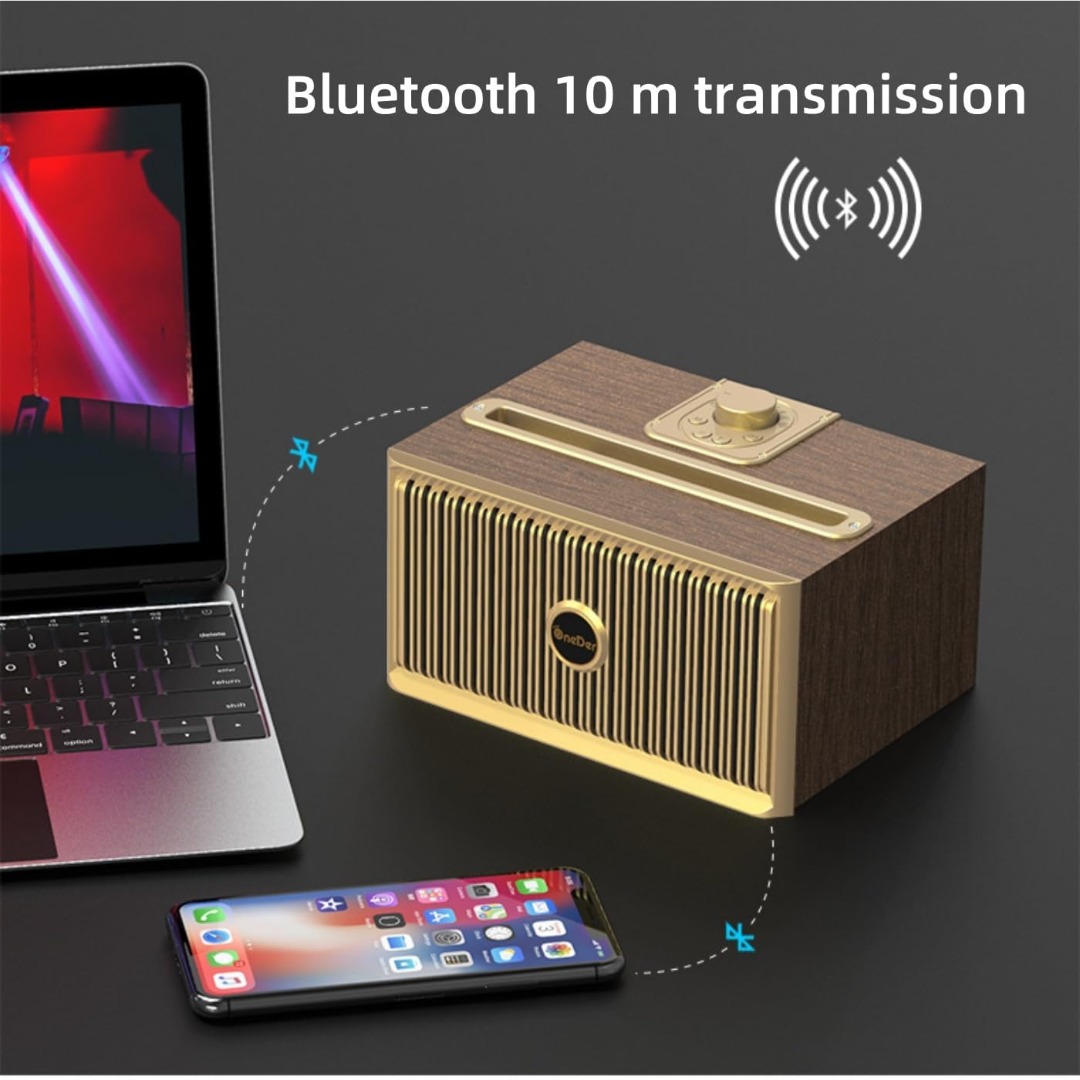
Feature Specification Packaging and Delivery Details Power Source Battery Selling Units Single item Number of Loudspeaker Enclosure 1 Single package size 19X22X10 cm Cabinet Material Plastic Single gross weight 0.600 kg Display Screen NO Built-in Microphone NO Brand Name Remax Model Number RB-X1 Remax Worldwide Store 9300+ Remax Support Video to see the product and testing Product Name Outdoor Wireless Speaker Color Black Logo Accept Customized Logo Intelligent Personal Assistant None

Logitech G403 HERO – Ergonomic wired gaming mouse with HERO 25K sensor and ultra-precise 25,600 DPI tracking.Delivers pro-grade performance with customizable RGB, 6 buttons, and optional weight tuning. ✅ Full Specifications: Model: Logitech G403 HERO Sensor: HERO 25K Optical Sensor DPI: 100 – 25,600 DPI (adjustable with no smoothing, acceleration, or filtering) Polling Rate: 1000 Hz (1ms response time) Tracking Speed: >400 IPS Acceleration: >40G Buttons: 6 programmable buttons (including 2 side buttons) Switches: Mechanical with metal spring button tensioning (rated for 20M+ clicks) Lighting: RGB Lighting (logo and scroll wheel, customizable via G HUB) Weight: Approx. 87g (mouse only) + 10g optional weight Grip Style: Palm and claw grip support Cable: 2.1 meters (standard rubber cable) Build: Ergonomic right-handed design with rubber side grips Software: Logitech G HUB (for DPI, lighting, macros, and profiles) Compatibility: Windows 7 or later, macOS 10.11 or later, Chrome OS Onboard Memory: Yes (save DPI and button settings directly to the mouse)

MARSRIVA Smart Mini DC UPS KP2 Series | 18 Watts 10000mAh | 0ms AC to DC Transfer | Flame Retardant | Wall Mount Slots | 1 x Passive PoE, 2 x DC and 1 x USB Output Ports | KP2 BLACK Keep Wi-Fi Power On Output:18W (Max.) or 30W (Max.) ● With 1 * Passive PoE, 2 * DC and 1 * USB output ports, DC UPS can power up multiple devices simultaneously. ● AC to DC 0ms transfer technology keeps your devices working when electricity is ON/OFF shifting. ● With wall-mount slots on the back, DC UPS can be mounted on the wall easily. ● Air cooling system provides maximum heat dissipation, ensuring the long-term stability of UPS. ● V-0 flame retardant product housing secures you and your property. ● 16000mAh high-capacity battery (KP2 Plus, KP2 Ultra) provides longer backup time. ● 30W high-power output (KP2 Pro, KP2 Ultra) provides better compatibility.

Brand Crucial Computer Memory Size 8 GB RAM Memory Technology DDR4 Memory Speed 2666 MHz Compatible Devices Laptop, PC Improve your system's responsiveness, run apps faster and multitask with ease Install with ease; no computer skills required How-to guides available at Crucial Compatibility assurance when using the Crucial System Scanner or Crucial Advisor Tool Micron quality and reliability is backed by superior component and module level testing and 42 years of memory expertise ECC Type = Non-ECC, Form Factor = SODIMM, Pin Count = 260-pin, PC Speed = PC4-21300, Voltage = 1.2V, Rank and Configuration = 1Rx16, 1Rx8 or 2Rx8 Brand Crucial Computer Memory Size 8 GB RAM Memory Technology DDR4 Memory Speed 2666 MHz Compatible Devices Laptop, PC Improve your system’s responsiveness, run apps faster and multitask with ease Install with ease; no computer skills required How-to guides available at Crucial Compatibility assurance when using the Crucial System Scanner or Crucial Advisor Tool Micron quality and reliability is backed by superior component and module level testing and 42 years of memory expertise ECC Type = Non-ECC, Form Factor = SODIMM, Pin Count = 260-pin, PC Speed = PC4-21300, Voltage = 1.2V, Rank and Configuration = 1Rx16, 1Rx8 or 2Rx8

SanDisk 2TB Portable SSD - Up to 800MB/s, USB-C, USB 3.2 Gen 2, Updated Firmware - External Solid State Drive - SDSSDE30-2T00-G26 SanDisk 2TB Portable SSD – Up to 800MB/s, USB-C, USB 3.2 Gen 2, Updated Firmware – External Solid State Drive – SDSSDE30-2T00-G26 About this item Solid state performance with up to 800MB/s read speeds in a portable drive. (Based on internal testing; performance may be lower depending on host device, interface, usage conditions and other factors. 1MB=1,000,000 bytes.) Back up your content and memories on a storage solution that fits seamlessly into your mobile lifestyle. Take it with you on your adventures—up to two-meter drop protection means this durable drive can take a beating. (Based on internal testing.) Secure it to your belt loop or backpack for extra peace of mind thanks to the tough rubber hook. From SanDisk, a brand professional photographers trust to take on assignments.

MacBook Pro 13″ Keyboard Replacement/Compatible for Apple MacBook Pro A1708 Color :- Black, Layout :- US Apple MacBook Pro A1708 Keyboard is a high quality replacement keyboard which is perfect for replacing your old and broken laptop keyboard. Before you order,Please firstly compare the picture with your keyboard, especially the ribbon cable (position, length and width). Make sure that the model of laptop and part number of keyboard is the right one you need as well as the layout version.

A professional pre-owned HP EliteBook 840 G5 or G6 with 14" display, 8th Gen Core i5, 8GB RAM, and 256GB SSD—offering reliable performance, enterprise security, and portability for business and everyday use.

Arabic Silicone Keyboard Skin Cover for MacBook Pro 13" A1708 Without Touch bar and MacBook 12" A1534 with Retina Display US Layout (Black) Arabic Silicone Keyboard Skin Cover for MacBook Pro 13″ A1708 Without Touch bar and MacBook 12″ A1534 with Retina Display US Layout (Black) About this item Arabic language silicone keyboard skin, US version, perfect fit for your MacBook 12″ A1534, which was released in 2015 & new MacBook Pro 13-Inch 13″ Model A1708 without/no Touch Bar, which was released in 2016; Do not fit for Europe Version MacBook Handmade Skin – XSKN is the original Manufacturer of these “Keyboard Art Skin” silicone covers. They are durable, thin and soft with a cashmere feel. The keys fit snug over the keyboard, smooth surface treatment, suit for regular laptop user who types a lot and quickly Each XSKN silicone skin is heat molded to ensure, each color is paints taking hand screened using silicone paint which is heat fuses into the silicone keyboard skin to become one, making it Soft, ultra-thin, durable and easy to washable High quality silicone raw material assure no extension with longtime using. Every detail clearly prinited, imported ink keep it looking good, rubber coating help to remain in good condition Aside from being beautiful they protect your keyboard from spills, crumbs, animal hair and dust. Washable, can be cleaned easily

Original 13.3-inch LCD display assembly for MacBook Air A1466, pulled from a working unit. OEM, drop-in replacement for cracked or nonfunctional screens—ideal for restoring perfect visuals. This is a genuine Apple LCD display assembly for the MacBook Air model A1466 (mid-2013 to ~2017). It was removed from a working machine (“pulled”) and tested. It’s intended to replace failed, cracked, or damaged screens with an OEM original part. Key Features & Functionality Factory original LCD panel with LED backlight Includes glass, mounting frame, hinges, display cable Calibrated by Apple for color accuracy, brightness, contrast Tested for display quality, backlight uniformity, dead or stuck pixels Fits directly in A1466 models with correct alignment and cable interface Specifications Important Notes & Caveats Must ensure your MacBook is A1466 — wrong model = mismatch in frame, mounting, cable. As a used component, there may be light cosmetic wear or micro-scratches. Always test before full installation (connect the cable, boot, check display and backlight). Be careful handling: glass is fragile and the flex cable is delicate. Alignment and screw placement are critical — incorrect installation can damage the new screen.

